

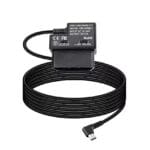
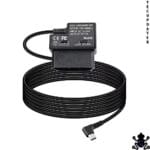
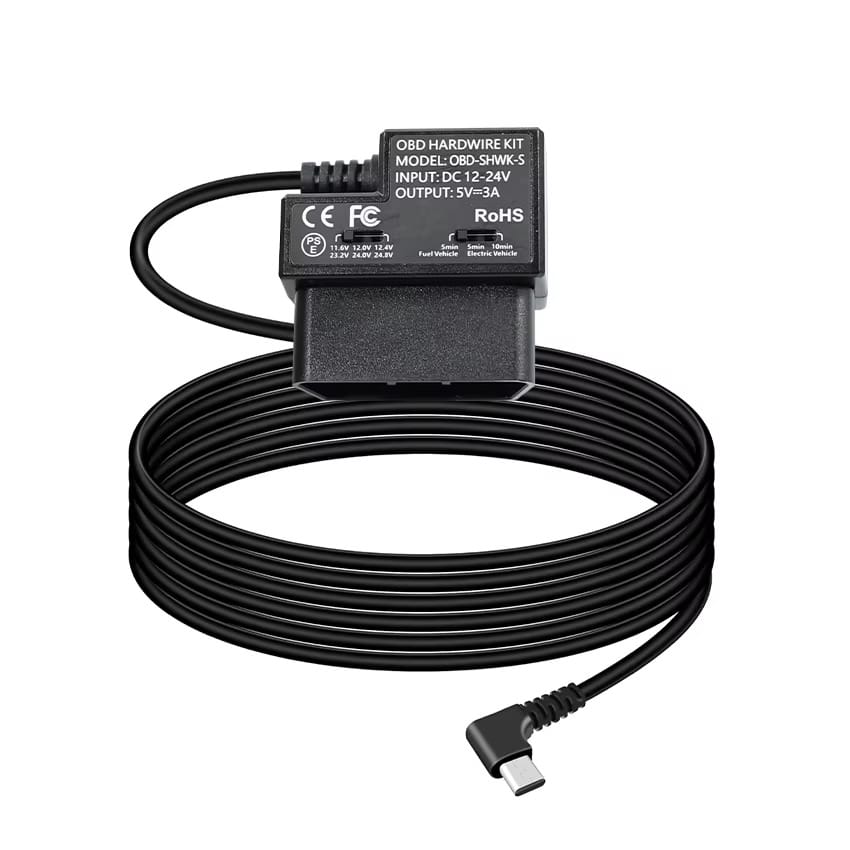
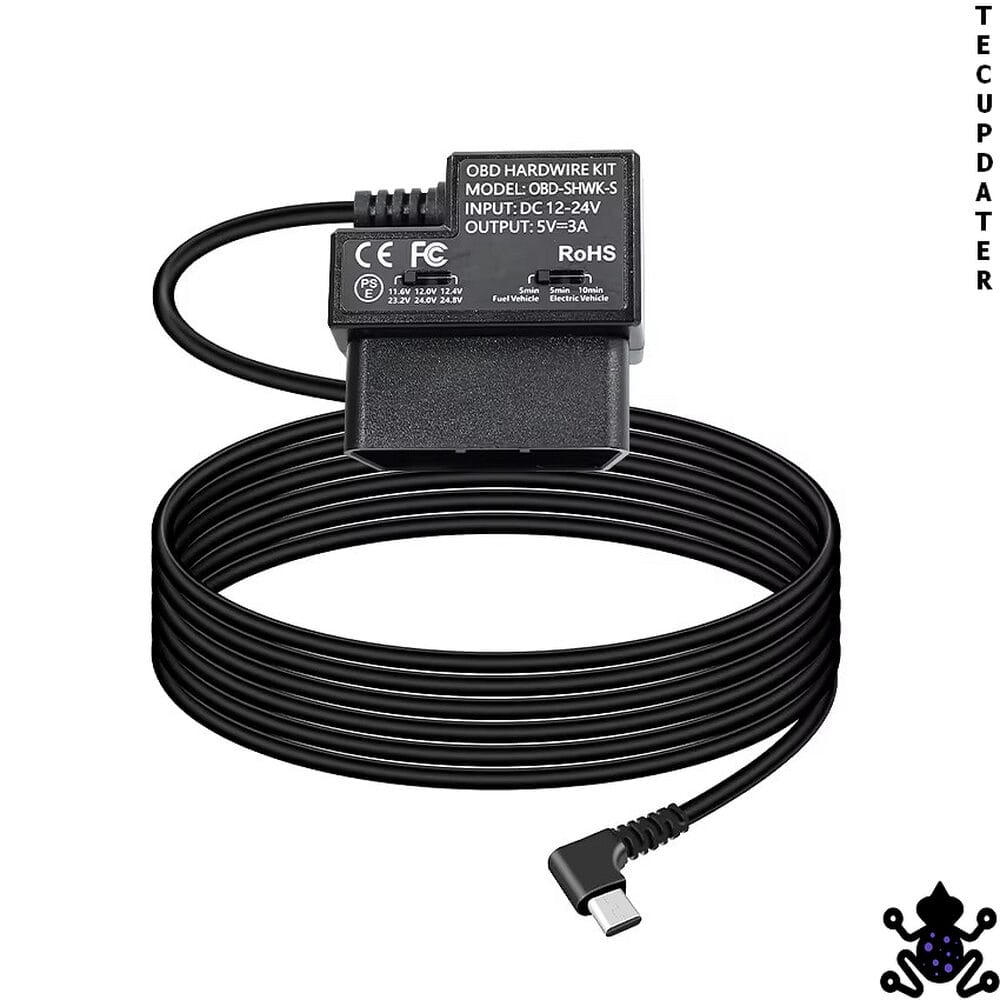
OBD2 Hardwire Power Kit for Dash Cam – USB Type-C Output, Two Modes, No Fuse Box Required
| 🏷️ Brand | TecUpdater |
| 🔌 Input Voltage | DC 12V – 24V |
| ⚡ Output | 5V at 3A |
| 🔧 Output Connector | Right-angle USB Type-C |
| 🔌 Input Connector | Standard OBD2 16-pin |
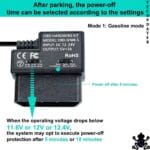
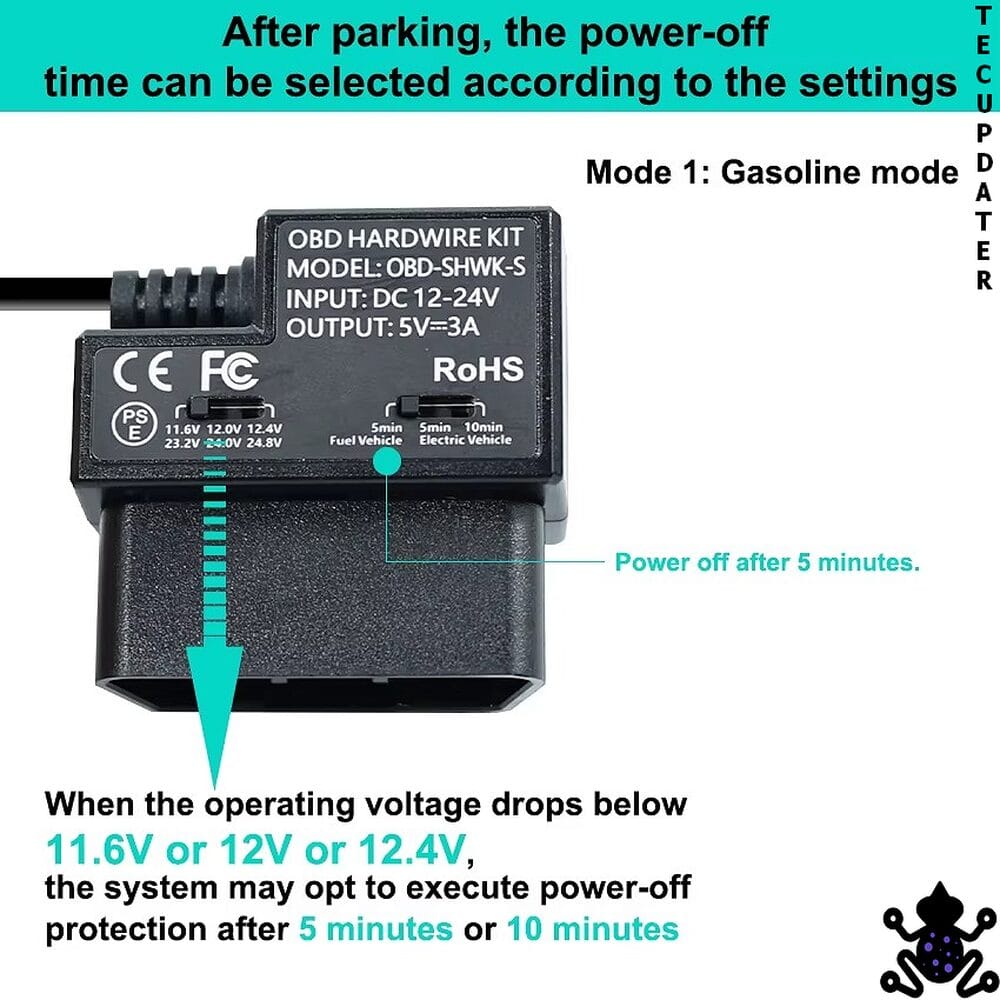
| 🎛️ Operating Modes | ACC mode (cuts off 20 min after ignition off) / Parking mode (continuous until low voltage cutoff) |
| 🔋 Low Voltage Cutoff | 11.6V (12V vehicles) / 23.2V (24V vehicles) |
| 🏗️ Certifications | CE, FC, RoHS |
| 🚗 Compatible Vehicles | All standard OBD2 vehicles – 12V and 24V |
| ✂️ Wire Cutting Required | No |
| 🔧 Installation | Plug and play – OBD2 port only |
| 📦 Kit Contents | OBD2 hardwire unit with USB Type-C output cable |
| 🔄 Return Policy | Exchange Only |
| 🇮🇳 HSN Code | 8504 |
What It Is
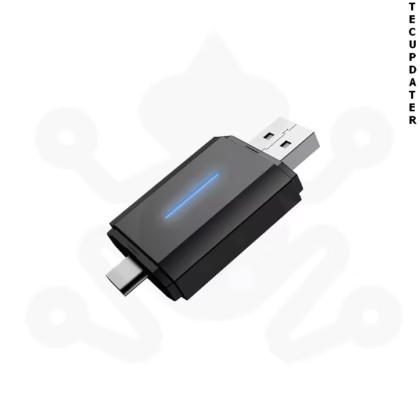
The TecUpdater OBD2 Dash Cam Hardwire Kit is a power adapter that plugs into the car’s OBD2 diagnostic port and converts the vehicle’s battery voltage — anywhere from 12V to 24V — into a stable 5V/3A output delivered through a right-angle USB Type-C connector. It is designed to provide continuous, managed power to a dash camera without requiring any access to the fuse box, battery terminals, or vehicle wiring. The unit carries CE, FC, and RoHS certifications and includes two selectable operating modes controlled by a toggle switch on the unit body.
What Problem It Solves
The conventional approach to hardwiring a dash cam for parking mode involves accessing the fuse box, identifying a switched and a constant fuse slot, fitting fuse taps, and routing wires behind trim panels. For most car owners this requires either workshop time or a level of electrical confidence that not everyone has. The OBD2 port offers a cleaner alternative — it has a permanently live 12V pin as part of the OBD2 standard, meaning it supplies power regardless of ignition state on the vast majority of passenger vehicles. This kit taps that power, regulates it to 5V/3A, and delivers it to the dash cam through a single cable — no fuse work, no panel removal, no permanent modification.
Installation Logic
Plug the OBD2 connector into the vehicle’s OBD2 port — located under the dashboard on the driver’s side on most cars. Connect the right-angle USB Type-C end to your dash cam. Select the operating mode using the toggle switch on the unit. Test that the dash cam powers on correctly, then route and tuck the cable along the dashboard trim or A-pillar for a clean finish. The entire installation takes under five minutes and leaves no permanent trace in the vehicle.
Behaviour Explanation
ACC Mode (O)
The unit begins supplying power when the ignition is switched on. After the ignition is turned off, the unit continues to supply power for approximately 20 minutes before cutting off automatically. This mode is recommended for daily use and long-term parking where battery preservation is a priority.
Parking / Surveillance Mode (—)
The unit supplies power continuously regardless of ignition state, keeping the dash cam active for parking surveillance. Power is maintained until the vehicle battery voltage drops to the low voltage cutoff threshold — 11.6V for 12V vehicles or 23.2V for 24V vehicles — at which point the unit cuts power automatically to prevent the battery from draining to a level where the car cannot start.
The low voltage protection is handled by an onboard chip that monitors battery voltage in real time. It does not rely on timers or approximations — it cuts power at the defined threshold regardless of how long the car has been parked.
Key Compatibility
Compatible with all 12V and 24V vehicles equipped with a standard OBD2 port. This covers the vast majority of Indian market cars — petrol vehicles from approximately 2005 onwards and diesel vehicles from approximately 2008 onwards.
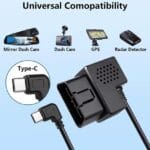
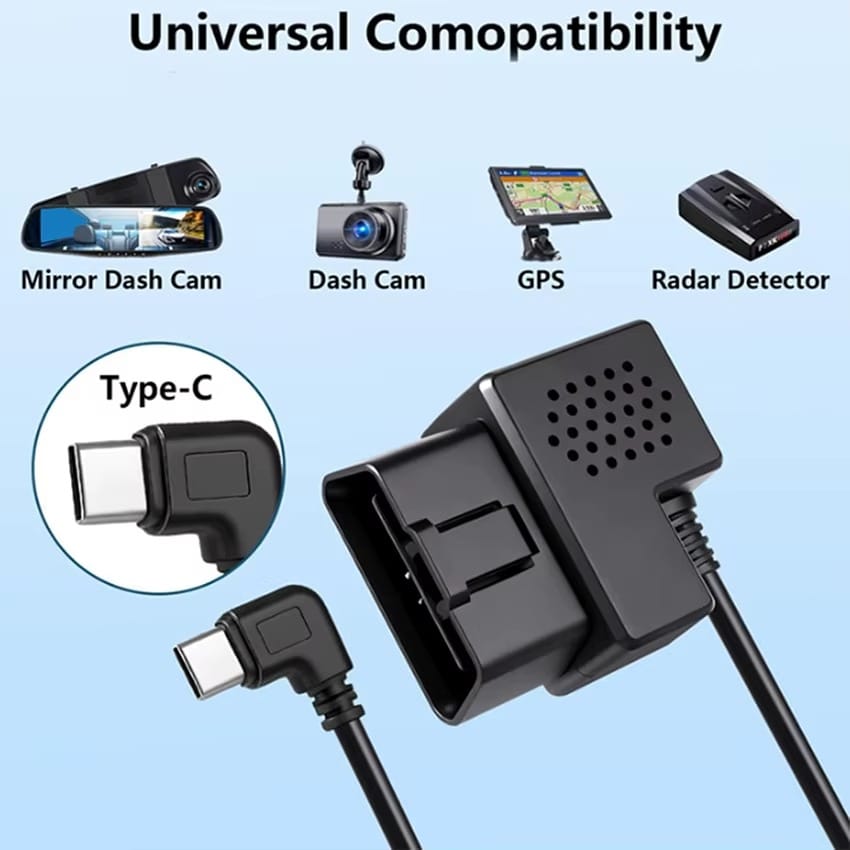
On the device end, the kit is compatible with dash cameras, GPS devices, and radar detectors that accept standard USB Type-C 5V/3A power input. Note that some dash cam brands use proprietary signal pins on their USB-C connectors and may not be fully compatible — if your dash cam requires a manufacturer-specific cable for all functions, confirm USB-C 5V standard compatibility before ordering.
✖ Not suitable for vehicles without a standard OBD2 port
✖ May not support all functions of dash cams with proprietary USB-C protocols
Who Should Buy
Dash cam owners who want a clean, tool-free parking mode power solution without accessing the fuse box or running wires to the battery. Suitable for 12V and 24V vehicles. Particularly useful for anyone who installs and removes dash cams across multiple vehicles, or for owners who want a reversible installation with no permanent modification to the car.
Who Should Not Buy
Not suitable for dash cameras that require a manufacturer-specific hardwire kit for parking mode activation. If your dash cam’s parking mode depends on a proprietary ACC wire connection rather than continuous USB-C power, this kit will power the camera but may not trigger parking mode correctly. Verify your dash cam’s power requirements before ordering.
FAQs
Q: Does parking mode work when the engine is off?
A: Yes. The OBD2 port’s 12V pin remains live regardless of ignition state on most standard passenger vehicles, so the unit continues to supply power in Parking Mode until the low voltage cutoff triggers.
Q: What is the low voltage cutoff threshold?
A: 11.6V for 12V vehicles and 23.2V for 24V vehicles. The unit cuts power automatically at these thresholds to prevent battery drain that would stop the car from starting.
Q: Will this work with my specific dash cam?
A: It works with any dash cam that accepts standard USB Type-C 5V/3A input. Some dash cams use proprietary signal pins on their USB-C port — if your dash cam requires a brand-specific cable, confirm standard USB-C compatibility before ordering.
Q: Is any wiring or fuse box access required?
A: No. The unit plugs directly into the OBD2 port. No fuse box, no battery terminals, no wire cutting, and no panel removal is required.
Q: What is the difference between ACC mode and Parking mode?
A: In ACC mode the unit cuts power approximately 20 minutes after the ignition is turned off — recommended for protecting battery life during long parking periods. In Parking mode the unit runs continuously until the low voltage cutoff triggers, keeping the dash cam active for surveillance recording while parked.






Reviews
There are no reviews yet.