

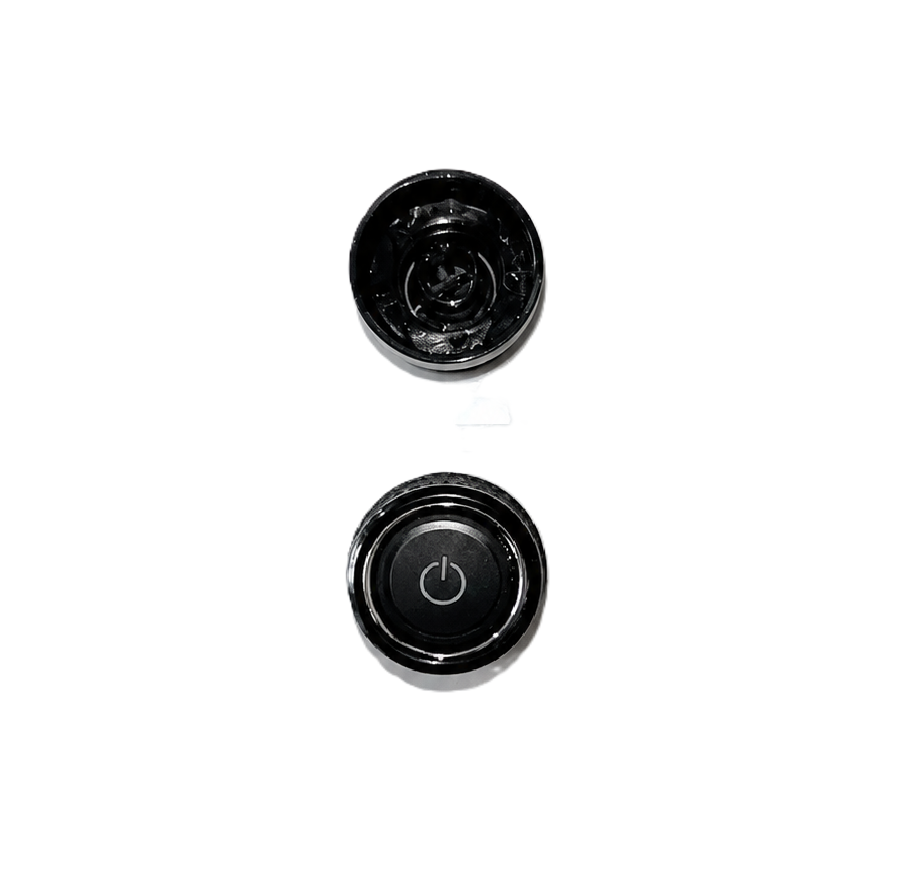
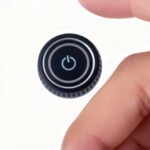
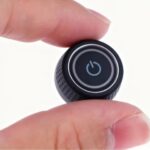
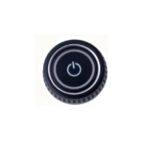
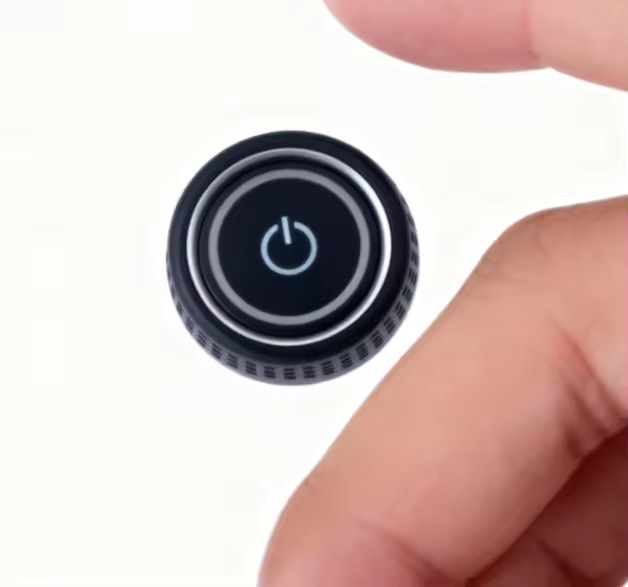
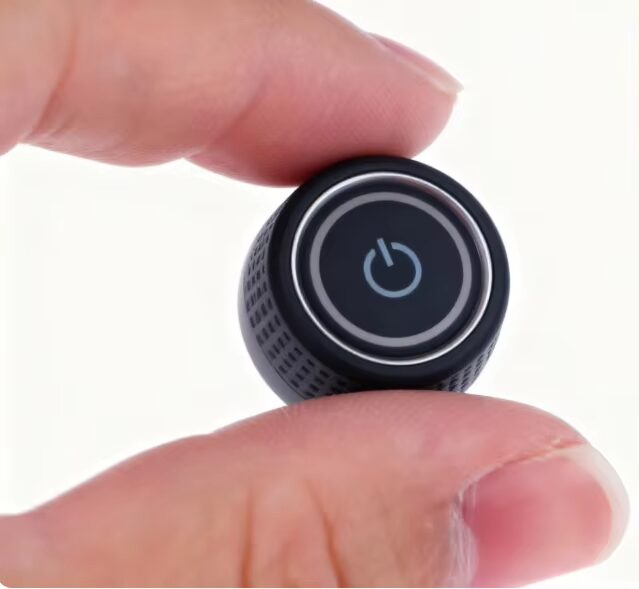
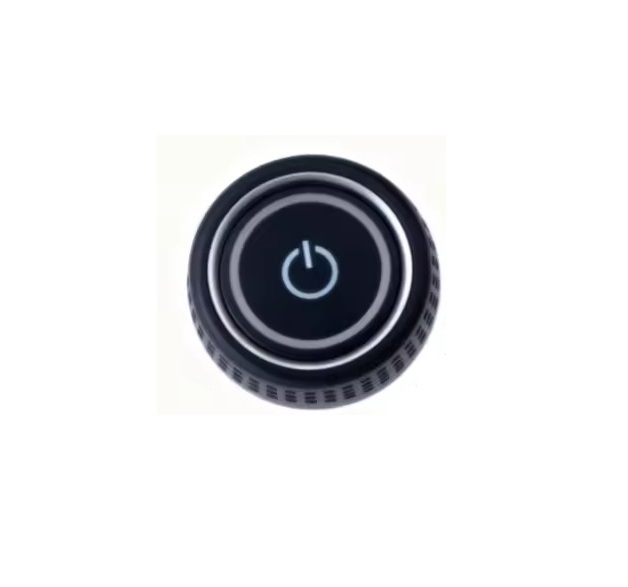
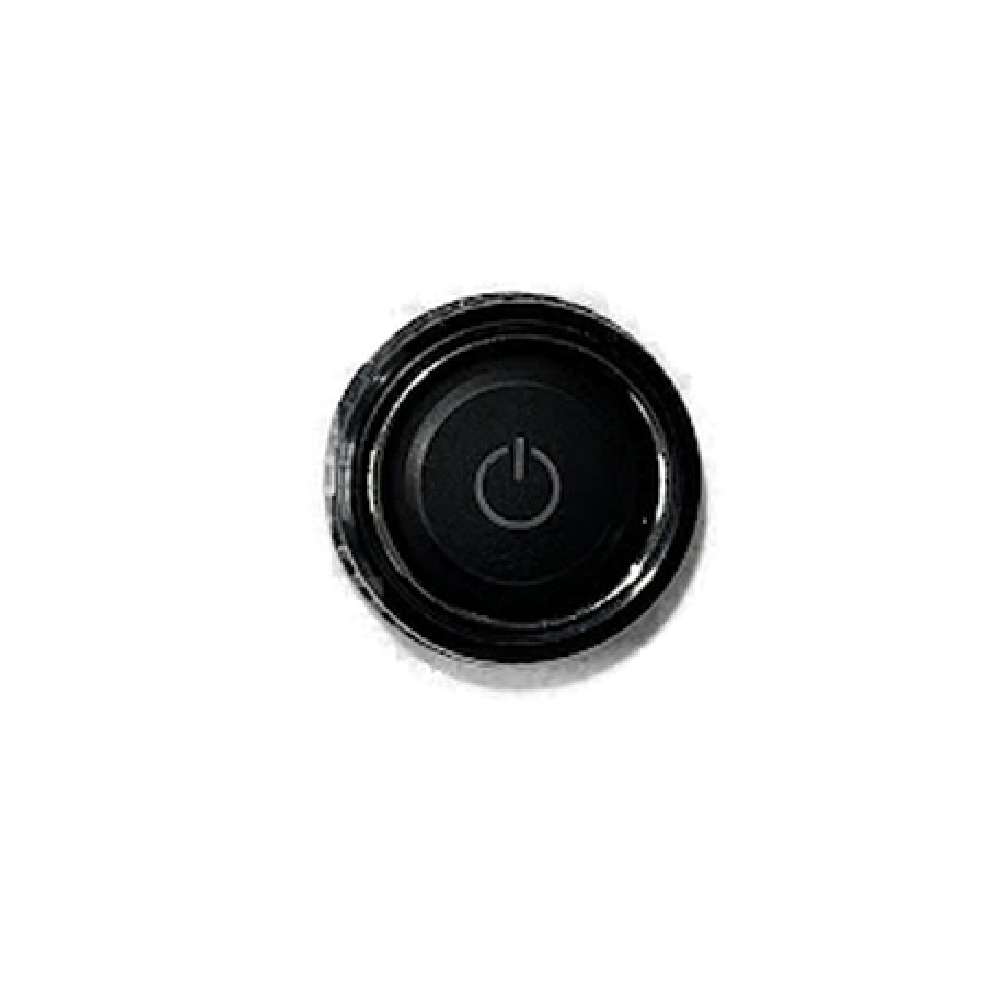
Power and Volume Control Knob for VW Skoda RCD 330 RCD 360 RCD 410 RCD 440 – OEM Fit Replacement
| 🏷️ Brand | TecUpdater |
| 🎛️ Function | Combined power on/off and volume control – single knob |
| 📻 Compatible Head Units | RCD 330, RCD 360, RCD 360 Pro, RCD 410, RCD 440, MIB-generation VW/Skoda radios |
| 🚗 Vehicle Compatibility | VW Polo, Vento, Ameo, Virtus, Taigun, Passat, Tiguan, Skoda Rapid, Octavia, Superb, Kushaq, Slavia and others fitted with above head units |
| ⚡ Installation | Pull off old knob, push on new knob – no tools required |
| 🔩 Fit Type | OEM shaft fit |
| 📦 Kit Contents | 1x Power and volume knob |
| ✂️ Wire Cutting Required | No |
| 💻 Coding Required | No |
| ♻️ Return Policy | Exchange Only |
| 🔢 HSN Code | 8708 |
What It Is
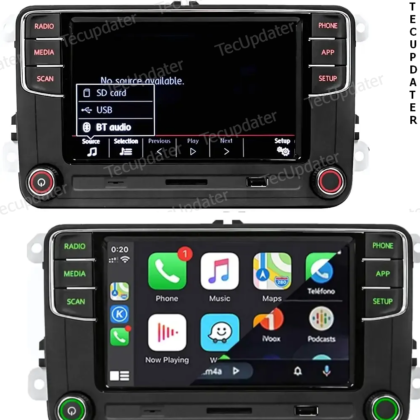
This is a replacement power and volume knob for VW and Skoda MIB-generation head units — specifically the RCD 330, RCD 360, RCD 360 Pro, RCD 410, and RCD 440. On these units, a single rotary knob on the left side of the faceplate handles both functions: press it to power the unit on or off, and rotate it to adjust volume. This knob is a standalone part that fits directly onto the head unit’s control shaft.
The knob is built to OEM dimensions and finish, matching the look and feel of the factory part on these MIB-generation radios. It is not compatible with older RCD 310, RNS 315, RCD 510, or RNS 510 units, which use physically different knob designs and shaft types.
What Problem It Solves
The power and volume knob on RCD 330, 360, 410, and 440 units is a high-contact part — it is used every time the radio is operated. Over time the outer shell cracks, the inner grip loosens on the shaft, or the knob simply breaks off entirely. A broken knob makes the head unit difficult or impossible to operate since power and volume both depend on it. The head unit itself is fully functional in these cases; only the knob needs replacement.
Replacing the entire head unit to fix a broken knob is unnecessary and expensive. This part addresses the failure directly — remove the broken piece, fit the replacement, and the unit is back to normal operation within a minute.
Installation Logic
If the original knob or remnants of it are still on the shaft, grip it firmly and pull straight outward to remove it. The knob is held by friction on the control shaft and requires no tools to remove or install. Align the new knob with the shaft, press it on until it seats firmly, and test rotation and press function. The entire process takes under a minute.
No wiring, no disassembly of the head unit, and no coding is required at any stage.
Behaviour Explanation
Once installed, the knob behaves identically to the factory part. Rotating clockwise increases volume, rotating counterclockwise decreases it. A short press powers the unit on or off. On some RCD variants a long press may trigger additional functions such as muting or source switching — these functions are governed by the head unit’s firmware and remain unchanged by the knob replacement.
Key Compatibility
This knob fits MIB-generation VW and Skoda head units: RCD 330, RCD 360, RCD 360 Pro, RCD 410 Pro, and RCD 440. These are also referenced by part numbers in the 19D035280 and 5GD035280 family. Vehicles fitted with these units include VW Polo, Vento, Ameo, Virtus, Taigun, Passat, Tiguan, and Skoda Rapid, Octavia, Superb, Kushaq, and Slavia, among others across the VAG India range.
This knob is not compatible with RCD 310, RNS 315, RCD 510, or RNS 510 units — those use different knob formats and shaft designs. If you are unsure which head unit is fitted in your car, check the model designation on the faceplate or in the unit’s settings menu before ordering.
Who Should Buy
Owners of VW or Skoda vehicles with a broken, cracked, or missing power and volume knob on any of the listed MIB-generation head units. This is the correct fix when the head unit itself is working normally and only the knob has failed. Anyone who has already been quoted a full head unit replacement by a dealer or workshop for what is essentially a knob issue will find this a far more practical solution.
Who Should Not Buy
If your head unit is an RCD 310, RNS 315, RCD 510, or RNS 510, this knob will not fit — the shaft and knob format are different across those generations. If the head unit itself has a fault beyond the knob — no display, no audio output, dead faceplate — replacing the knob will not restore those functions. Confirm the head unit model before ordering.
Benefits
Restores full power and volume control function to the head unit without replacing the radio. OEM shaft fit ensures the knob seats correctly and operates with the same feel as the factory part. Push-fit installation requires no tools and no technical knowledge. Solves what is often misdiagnosed as a head unit failure when the fault is simply a broken knob.
TecUpdater Red Aluminium Paddle Shifter Extensions for VW and Skoda – Virtus Taigun Slavia Kushaq and Kylaq
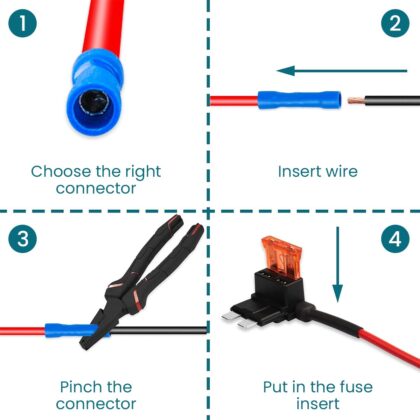
Price range: ₹2,400.00 through ₹2,450.00 Select options This product has multiple variants. The options may be chosen on the product pageAutomotive Fuse Tap Set – Standard, Mini, Mini Low Profile & Micro 2 Blade Fuse Taps with Copper Wire (Set of 4)
Price range: ₹325.00 through ₹350.00 Select options This product has multiple variants. The options may be chosen on the product page
FAQs
Will this fit my RCD 360 Pro?
Yes. The RCD 360 Pro uses the same knob shaft and format as the RCD 360, RCD 330, RCD 410, and RCD 440. This knob is compatible across all of these MIB-generation units.
How do I know if my head unit is an RCD 330, 360, 410, or 440?
The model designation is usually printed on the faceplate of the unit itself, often below or beside the display. You can also find it in the radio’s settings menu under system information on most MIB units.
Will this fit the RCD 310 or RCD 510?
No. The RCD 310 and RCD 510 are earlier generation units with a different knob format and shaft type. This knob is only for the MIB-generation units listed above.
Does the knob just pull off or do I need to open the dashboard?
It pulls straight off the shaft by hand — no dashboard disassembly, no tools, no panel removal needed. The new knob pushes back on the same way.
My knob is partially broken but still on the shaft. Can I remove it?
Yes. Grip whatever remains of the broken knob firmly and pull straight outward. If the inner sleeve is stuck on the shaft, a flat cloth or grip tape around the shaft stub can help get purchase without scratching the faceplate.
Is any coding needed after fitting the new knob?
No. The knob is a purely mechanical part. No coding, no VCDS, no OBDeleven access is required.


Reviews
There are no reviews yet.